App Interface
An elegant, unintrusive tool that works silently inside your taskbar system tray.
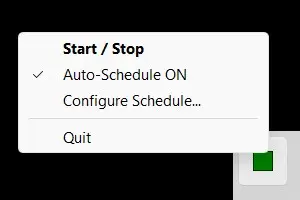
Right-Click Menu Options
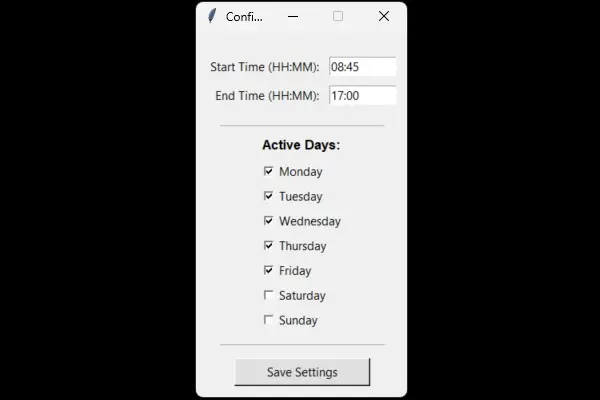
Visual Scheduler Window
How to Operate
- Download & Run: This application is totally free. Simply download the
.exefile above and run it instantly. No installation wizard required. - Check the Tray Icon: Look in your Windows System Tray (bottom right corner). A Red Square means the mover is currently idle. A Green Square means it is actively managing simulation.
- Manual Toggle: Single-click the tray icon at any point to manually start or pause the mouse mover.
- Auto-Schedule: Right-click the icon and choose "Configure Schedule..." to dictate your specific active window hours and custom days of the week. Configurations save permanently.
- Startup Activation: Run
Win + R, typeshell:startup, and drop a shortcut of the executable inside to load it on system boots.
Support Free Software Development
Mouse Mover is provided completely free of charge without ads, trackers, or hidden premiums. If this tool helps streamline your workday workflow, consider providing a voluntary donation to fund future open projects!
Contact & Feedback
Have a feature optimization suggestion or want to report a bug? Submit your comments directly to the inbox.